
Roles
Compare

Set up WhatsApp notifications, add a secondary email and join our next in-person meetup. Three simple ways to get more from your Flynt experience.

TL;DR: Connect WhatsApp for faster match notifications (no marketing), add a secondary email so calendar invites land where you actually check, and join our next in-person meetup on 2 April at SAMA Bankside. Plus, we're working on something new that a lot of you have asked for. More soon.
We've been building a few things behind the scenes to make your Flynt experience smoother. Some of these have been live for a while, but we think many of you could still be getting more value from them. So here's a quick rundown of what's available and why it's worth a few minutes of your time. We're also working on something special that a lot of you have been asking for. More on that soon. In the meantime, these are the things you can do right now.
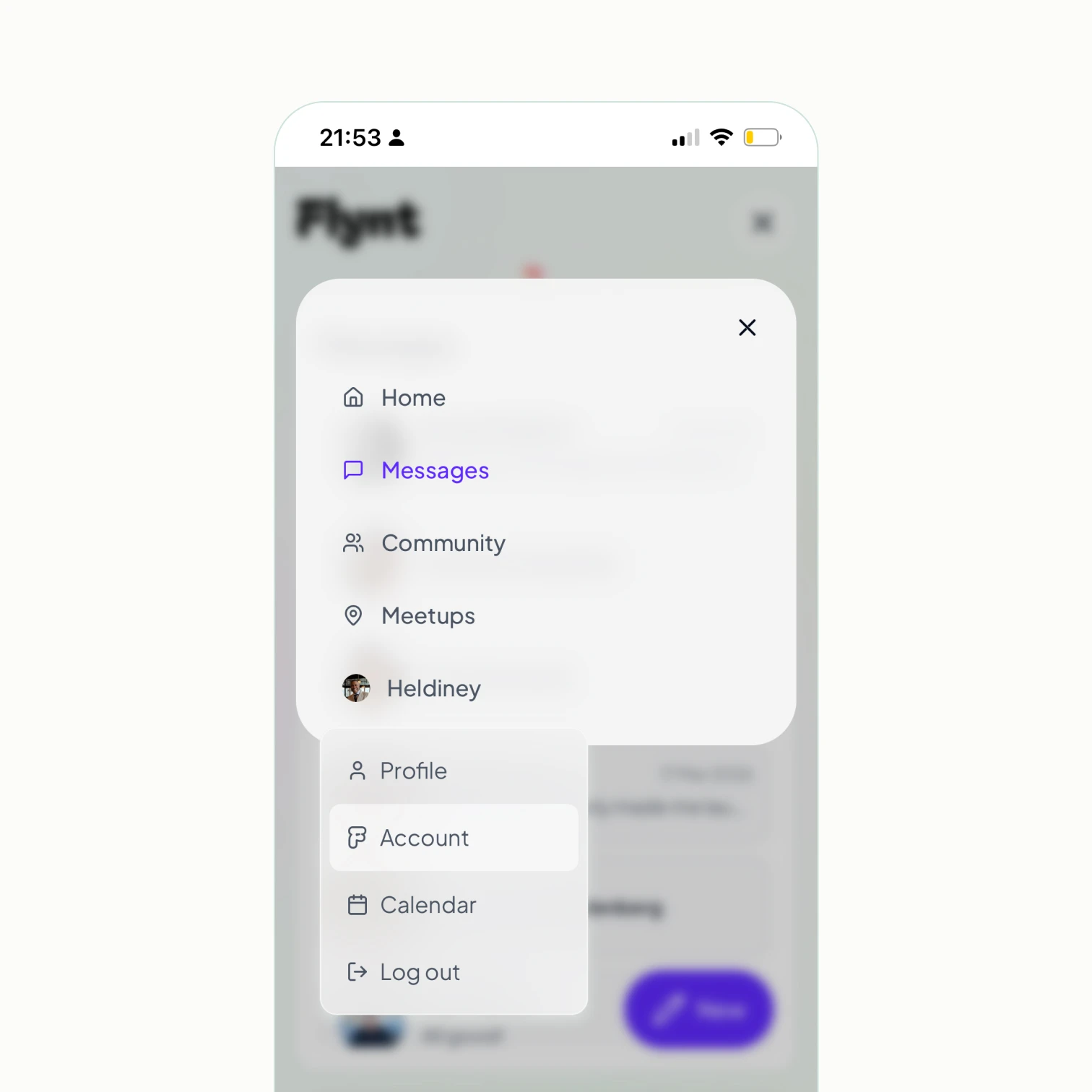
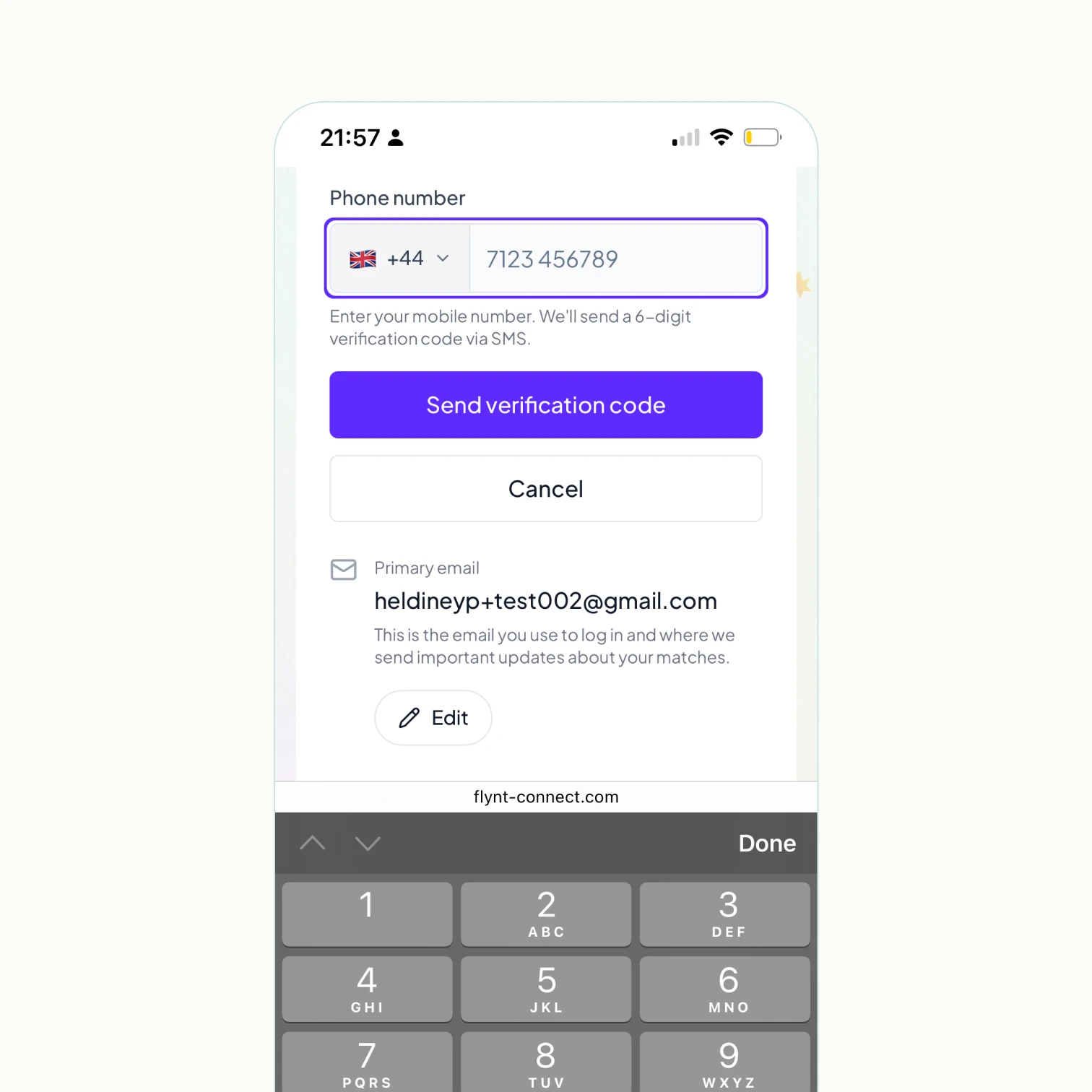
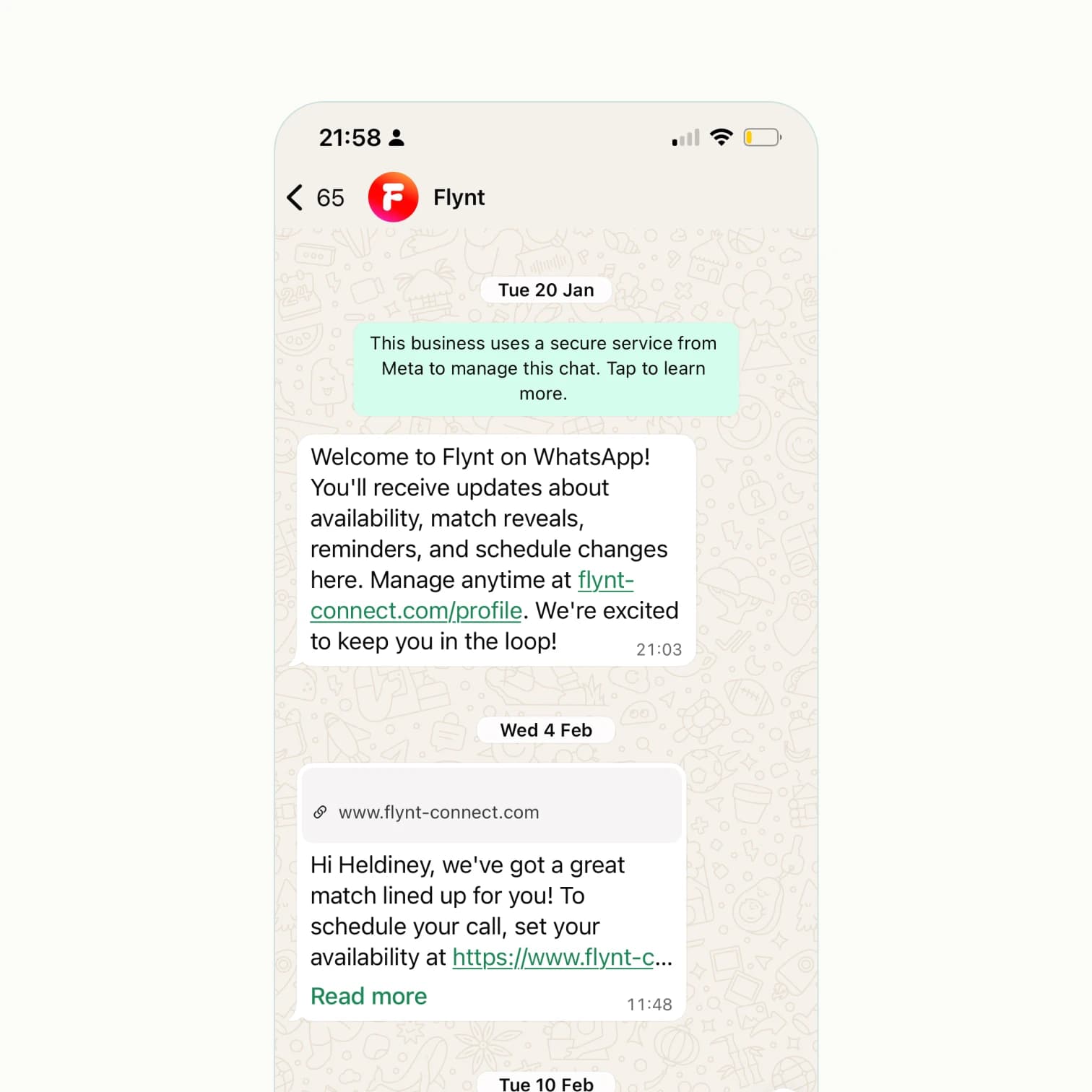
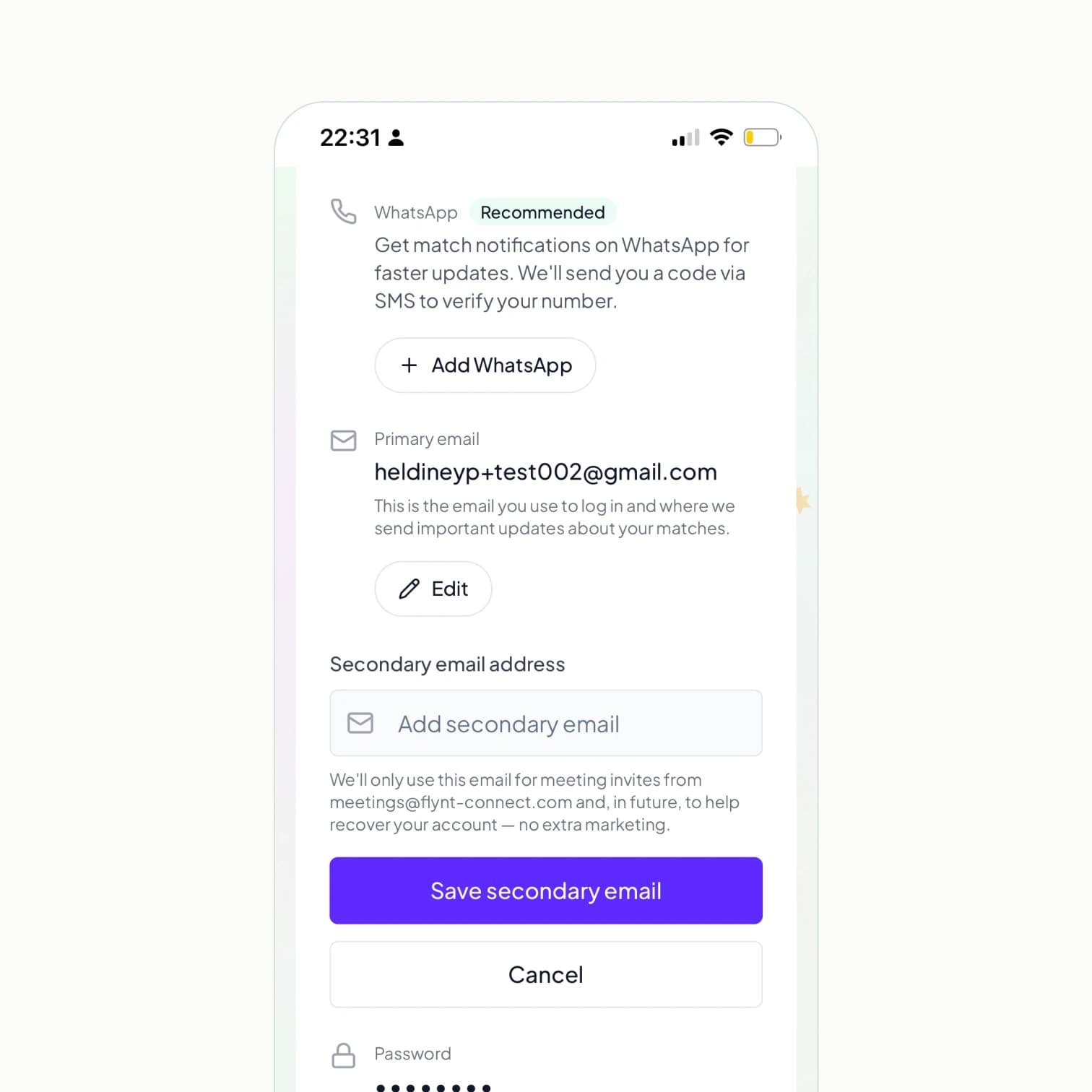
Email is great for some things. But when you've got a new match waiting or someone's sent you a message, you probably want to know sooner rather than later. You can now connect Flynt to WhatsApp to get notifications when something happens with your match. A new match, a message from your match, a schedule update. That kind of thing. To set it up, head to your Account page and tap "Add WhatsApp". We'll send a verification code via SMS, and once you're verified, you're good to go. One thing worth saying clearly: we only use WhatsApp for match notifications. No marketing, no newsletters, no promotional messages. Just the updates that help you stay on top of your matches.
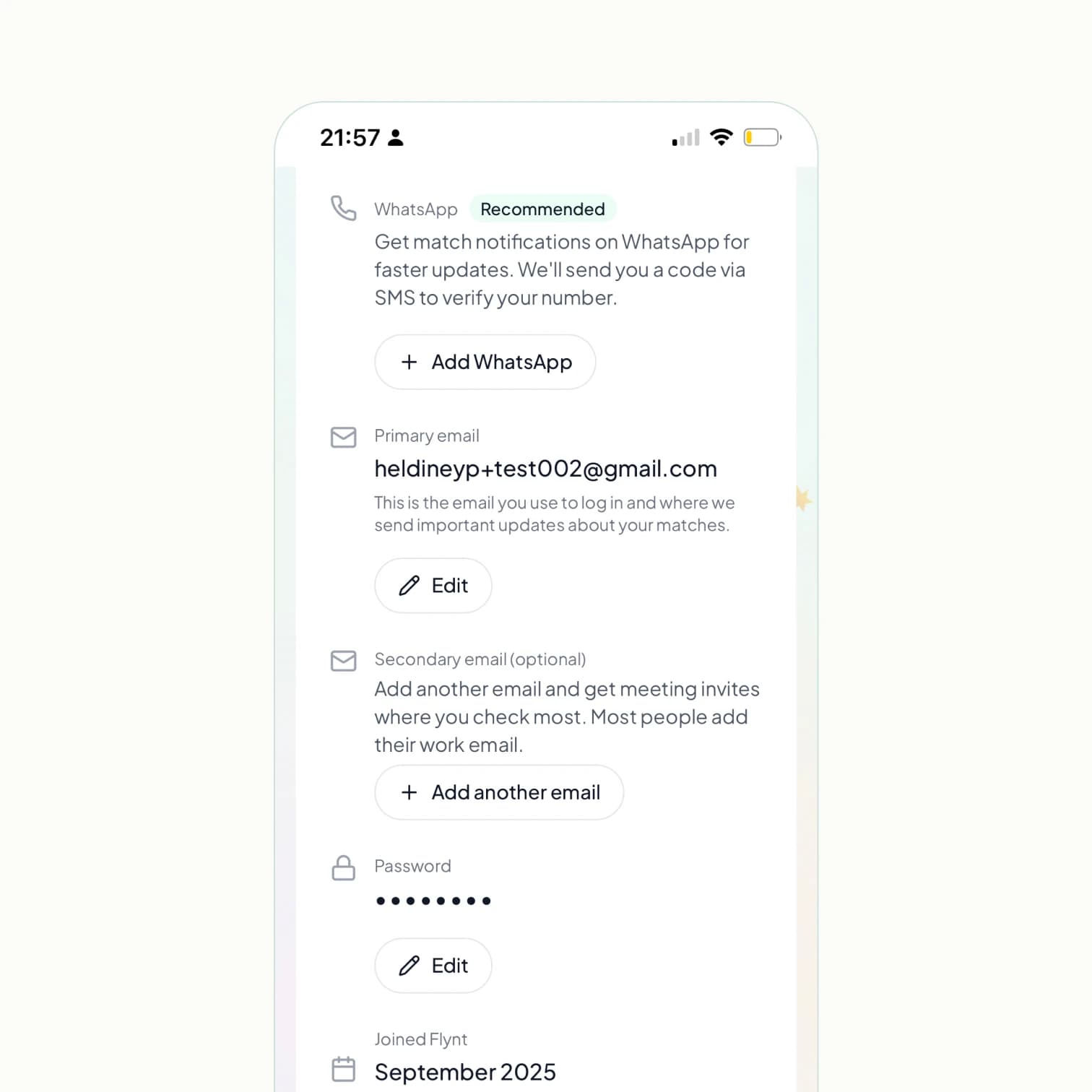
When you get matched, Flynt sends a calendar invite to the email you signed up with. For a lot of people, that's their personal email. Which means the invite ends up somewhere they don't check during the working day. You can now add a secondary email in your Account settings. If you signed up with your personal email, add your work email. If you signed up with your work email, add your personal one. The calendar invite goes to both, so the meeting shows up where you actually look. This is one of the simplest things you can do to make sure you don't miss a match. Head to your Account page and tap "Add another email" under the secondary email section.
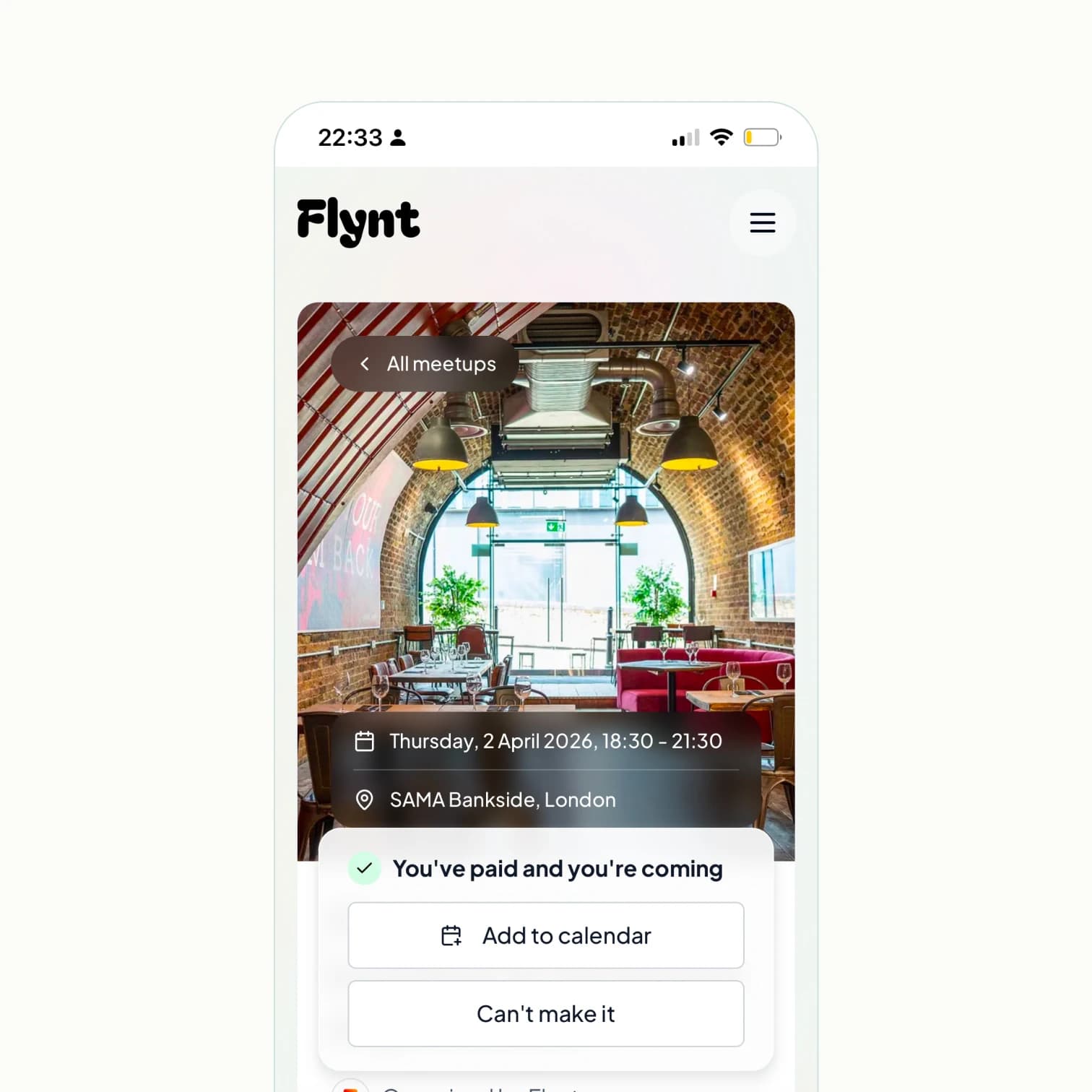
Flynt matches are great for focused one-to-one conversations. But sometimes you want to be in a room with interesting people and see where the conversation goes. We run in-person meetups for exactly that. Our next one is on Thursday 2 April at SAMA Bankside in London, from 18:30 to 21:30. It's a relaxed evening with other Flynt members, good food, and the kind of conversations that happen when you put curious people in the same room. Tickets are £9. You can register by logging into Flynt and heading to flynt-connect.com/meetups. If you've been enjoying your Flynt Friday virtual calls, think of this as the in-person version. And if virtual calls aren't really your thing, this might be exactly what you've been looking for.
We're working on something we think you're going to love. A few of you have already asked for it directly. We'll share more when it's ready, but it's coming soon. In the meantime, take five minutes to set up WhatsApp notifications and add your secondary email. Small things, big difference.
Heldiney Pereira – Co-founder & CEO
I'm building Flynt because I believe in a human-centred approach to making professional connections. Our technology is designed to make people feel more connected, less isolated on their career journey and inspired by all the great people they meet.
We'll show you people who might be helpful for your career goals and match you with one of them monthly. Drop your email to join.